Live traffic
Download and upload as they happen, plus how much you used today, this week and this month.
Private beta
Which programs use your data, who your computer is talking to, and what is open to the outside. Live, in plain words, with no jargon.
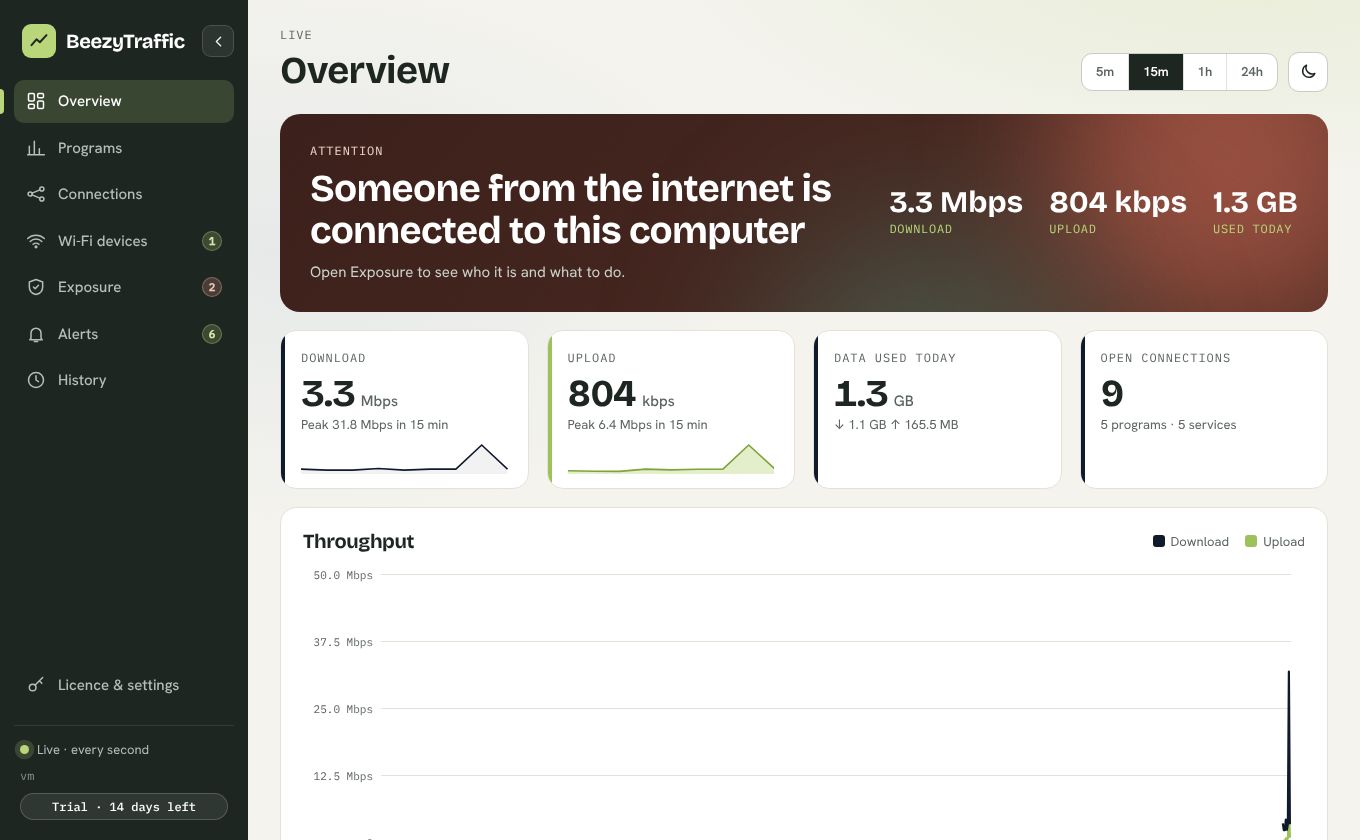
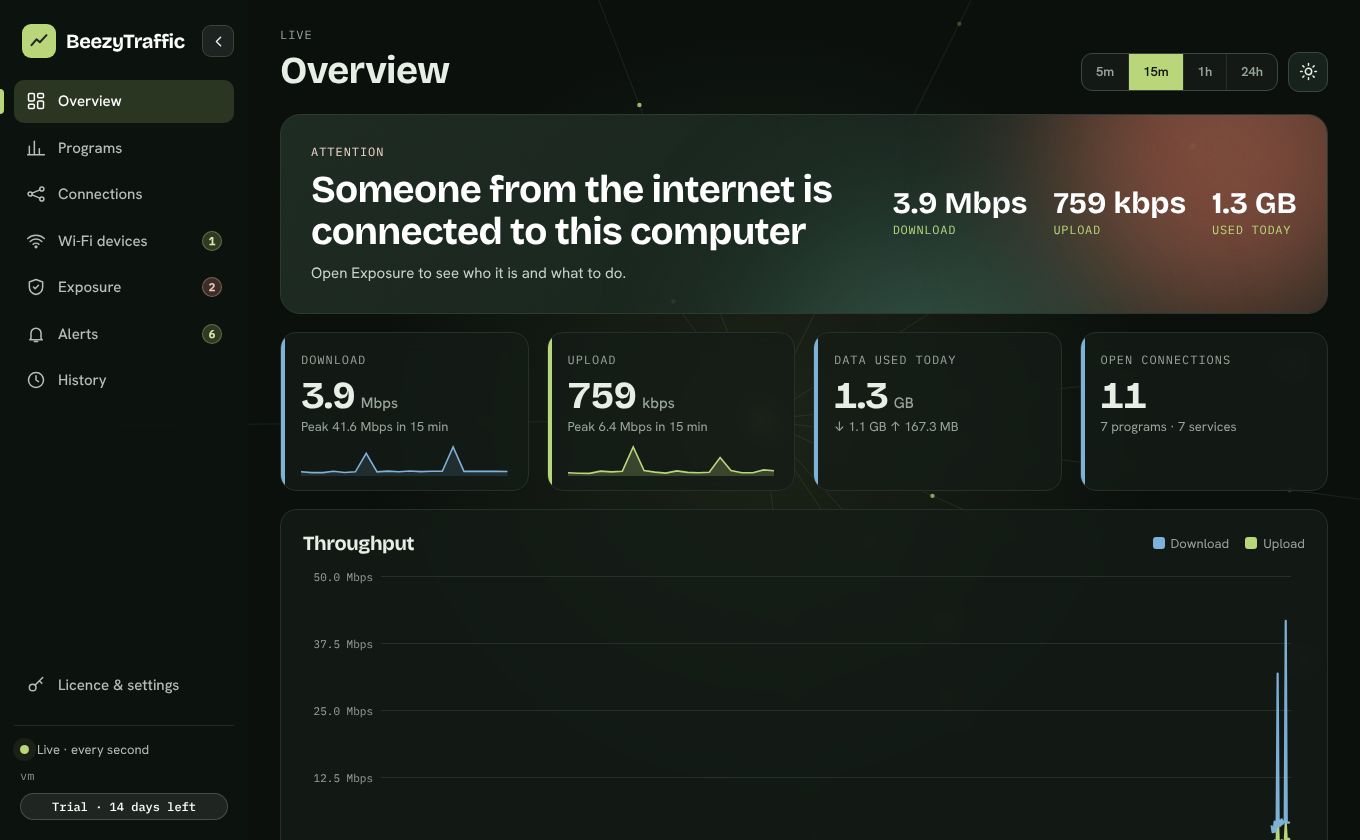
The desktop app refreshes live. The web dashboard updates every minute.
See which app is using your data, not just a single total.
Every server you connect to, with the company and country behind it.
The desktop app keeps its data on this machine and sends nothing out.
What you see
Download and upload as they happen, plus how much you used today, this week and this month.
Bandwidth per program, so you can tell whether it is Chrome, a game update or something you do not recognise.
Every connection with the program, the company behind the address and the country. Search it, filter it, understand it.
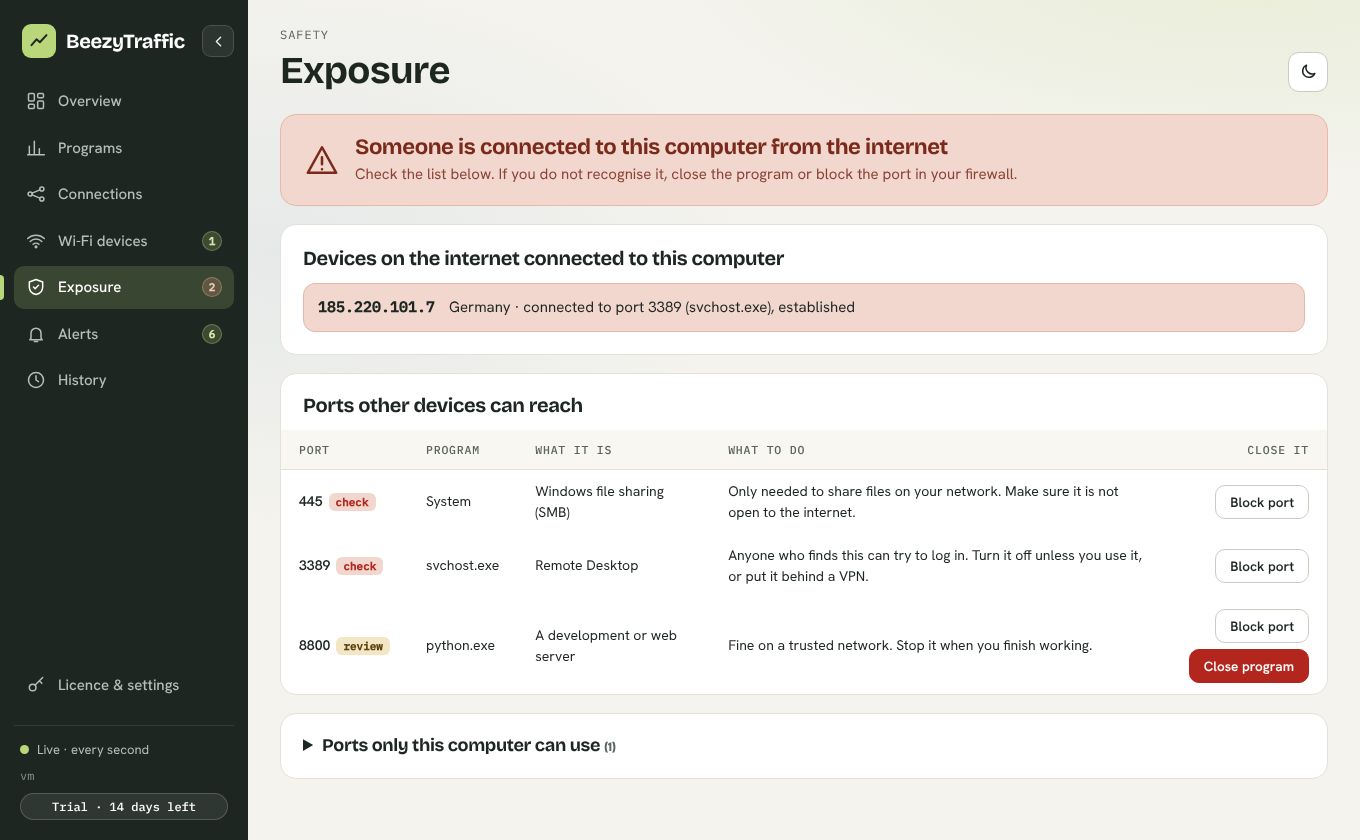
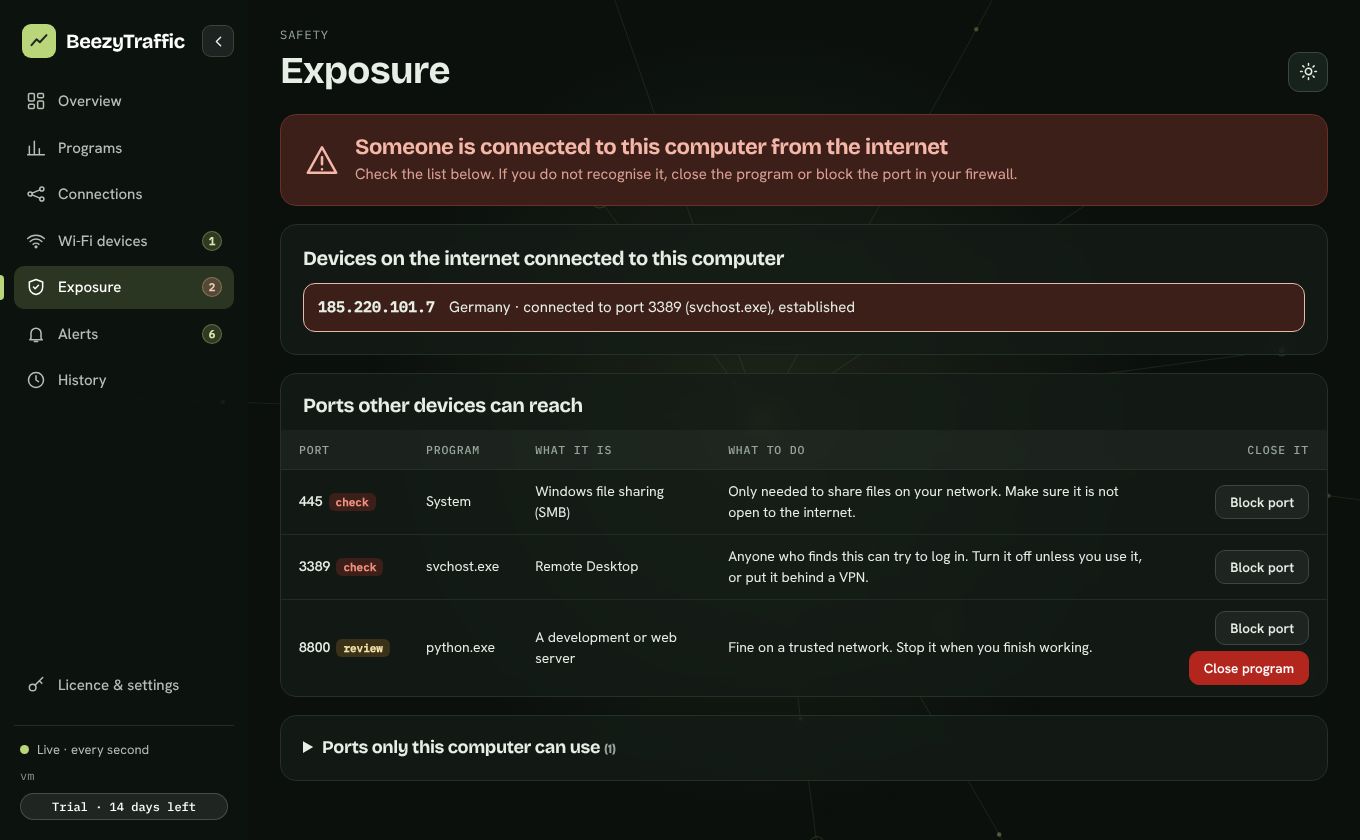
Ports other devices can reach, each explained in plain words, with risky ones flagged. Block a port or close a program in one click.
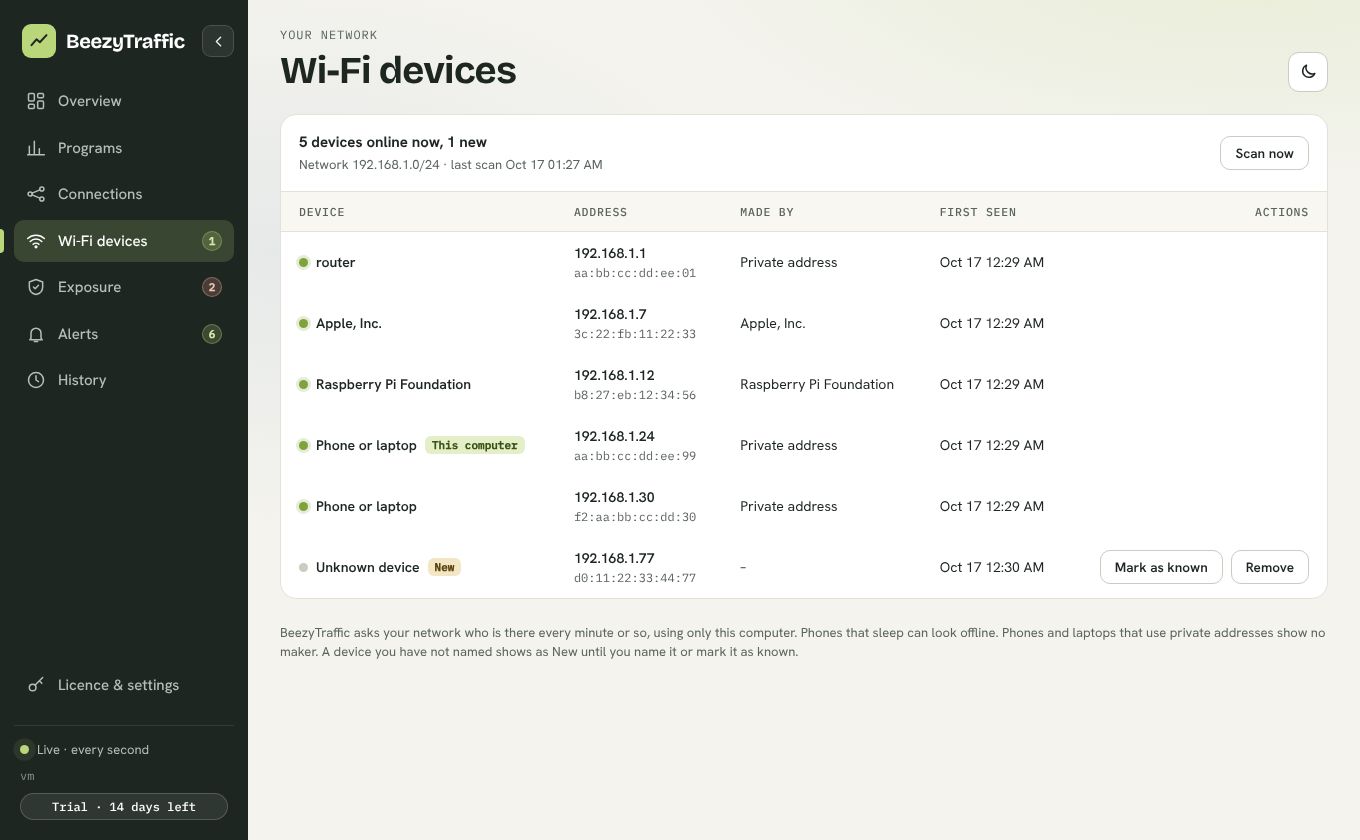
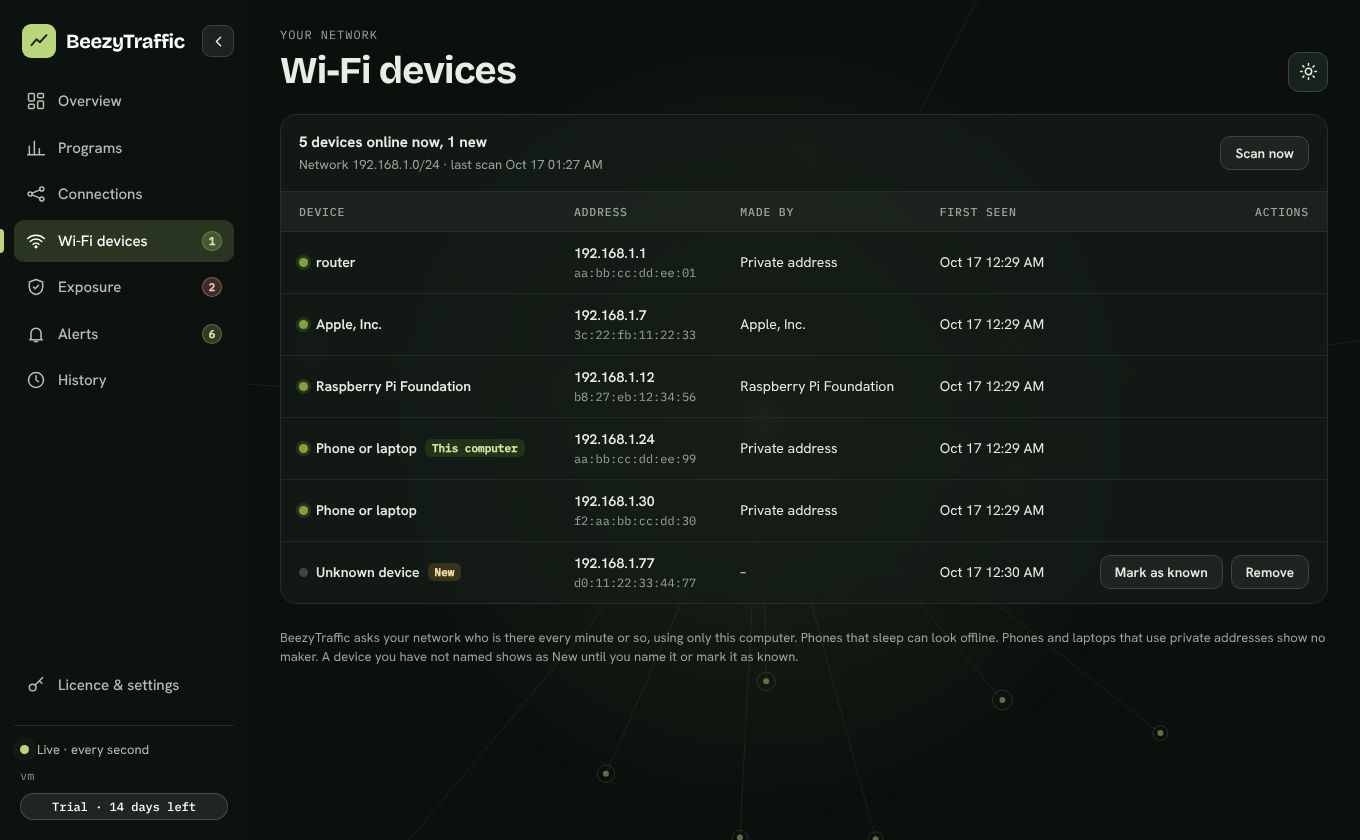
See who else is on your network, name your own devices, and get told when a new one joins.
Be told when a program connects for the first time, when something reaches in from outside, or when you near your data limit.
How it works
Is the desktop app for you?
On mobile data or a capped plan, every gigabyte counts. The desktop app shows how much each program uses and keeps 30 days, so you can see which one is eating your bundle.
A one-minute view can miss a spike. The desktop app updates every second, so you can catch what is using the line while it happens.
See every connection with its program and country, spot the ones you do not recognise, and block a program or port you do not trust.
Is your provider delivering what you pay for? Thirty days of history gives you something real to show them.
Start with the free dashboard. When you are ready for more, join the private beta and get 14 days free.
Free or desktop
| What you get | Free web dashboard | Desktop app |
|---|---|---|
| Live traffic and total data used | Every minute | Every second |
| Connections with company and country | Yes | Yes |
| Bandwidth per program | No | Yes |
| Exposure check and plain-word port guide | Basic list | Full, with advice |
| Block a port or a program, close a program | No | Yes |
| Wi-Fi devices and new-device alerts | No | Yes |
| Alerts, data budget, daily and monthly limits | No | Yes |
| History | 24 hours | Up to 30 days |
| Export to CSV and a printable report | No | Yes |
| Where your data lives | Your private dashboard | Only on your computer |
| Cost | Free | Private beta: 14 days free, then a licence (price shown before you pay) |
Desktop app: private beta
The Windows app is being tested with a small group first. Ask for access and we will send an invite. Invited testers get the full app free for 14 days with no card, and a licence key afterwards if they keep it.
Privacy
It runs on your computer and talks only to itself (127.0.0.1). History is kept in a small file on your disk, never uploaded. The only network call it makes is to check your licence key.
It stores only what your agent sends: connection addresses, program names and byte counts. There is no account, no email and no ad tracking. We also count, anonymously, which days a dashboard was opened and which pages were used, so we know what to improve. If you choose to join the beta waitlist you can give an email, only for that. Delete everything from the dashboard, the counts and any waitlist email included, whenever you like, and old data is removed automatically.
Questions
No. It only watches. It does not sit in the path of your traffic, so your connection runs at full speed.
Windows only lets administrators see how much data each program uses, and only administrators can add firewall rules for blocking. Without it, the app still shows your live traffic and connections.
During the private beta, yes. The installer is not yet signed with a public certificate, so Windows shows an unknown-publisher warning. Choose "More info", then "Run anyway". We will sign it before the public launch.
Only what the small agent on your computer sends: current speed, connection addresses, program names and byte counts. No files, no pages you visit, no passwords. You can delete it all at any time.
Beta testers are asked for a licence key to keep using the desktop app. Your history stays on your computer either way, and the free web dashboard keeps working.
The desktop app can block an incoming port or a program's outgoing connections using the Windows firewall, and can close a program. It will not close core Windows programs, and everything it blocks can be undone from the same screen.
The desktop app is for Windows. The free web agent also runs on Mac and Linux, with per-program bandwidth on Windows only.